Computational Art
Your idea
comes first.
Turn what you notice and feel into something you can see, change, and make your own. The tool can change. Your choices carry the meaning.
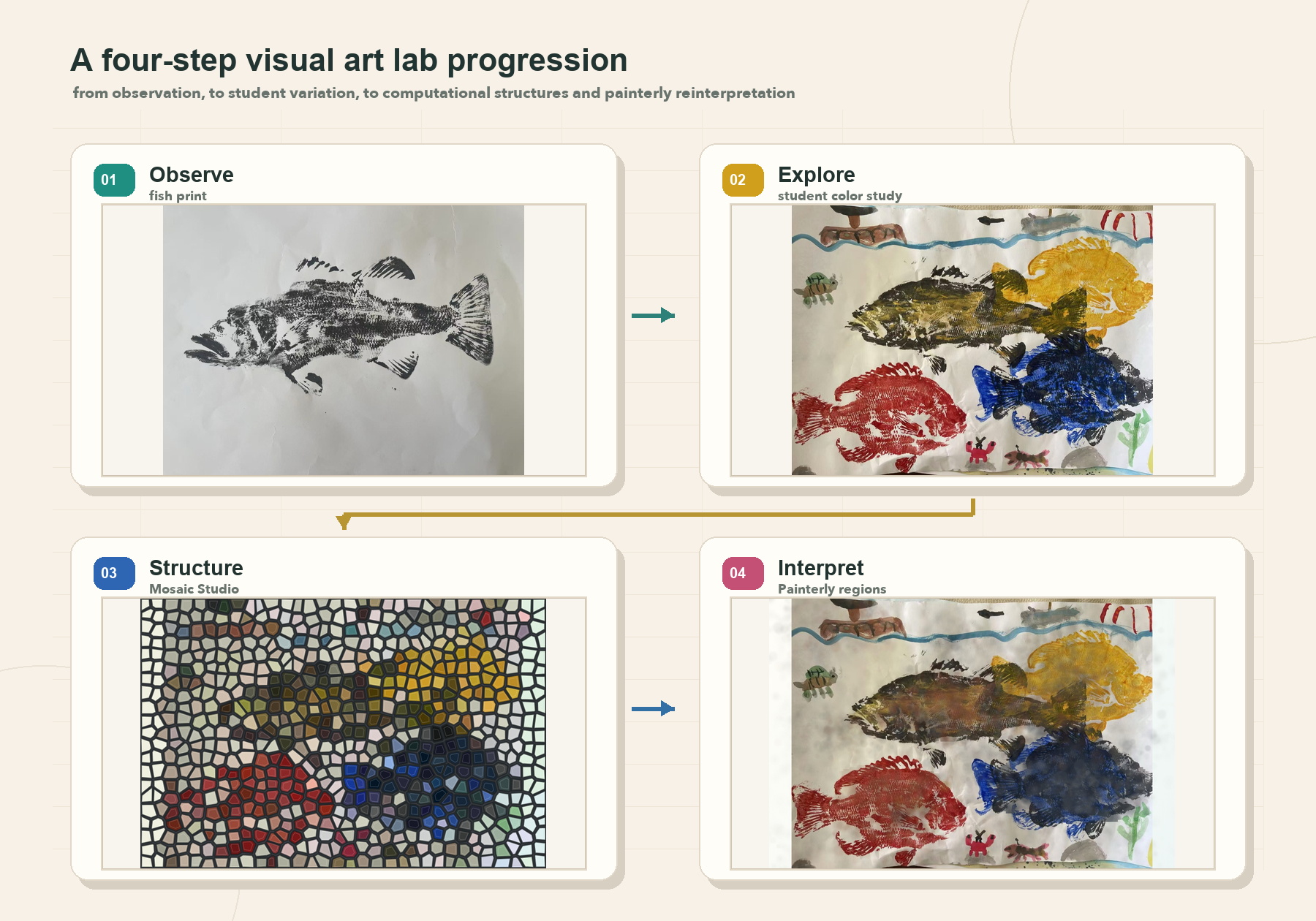
The studio conversation
Observe → Explore → Structure → Interpret
Computation does not replace the artwork. It gives the learner new ways to look closely, reveal a pattern, test a transformation, and decide what belongs.
Materials, not identities
One idea can travel through many forms.
Traditional art, image processing, computational graphics, computer vision, generative AI, 3D objects, animation, and interactive environments are all materials. The learner's intention is the organizing center.
Notice
Look closely at color, gesture, story, or feeling.
Give it structure
Find repetition, rules, layers, and relationships.
Transform
Use code, vision, or AI to reveal a new possibility.
Choose
Keep, reject, revise, and decide what the work means.
Share
Let another person encounter the idea.
Continue
A response becomes material for the next version.
Projects inside the studio
Real work, not generic examples.
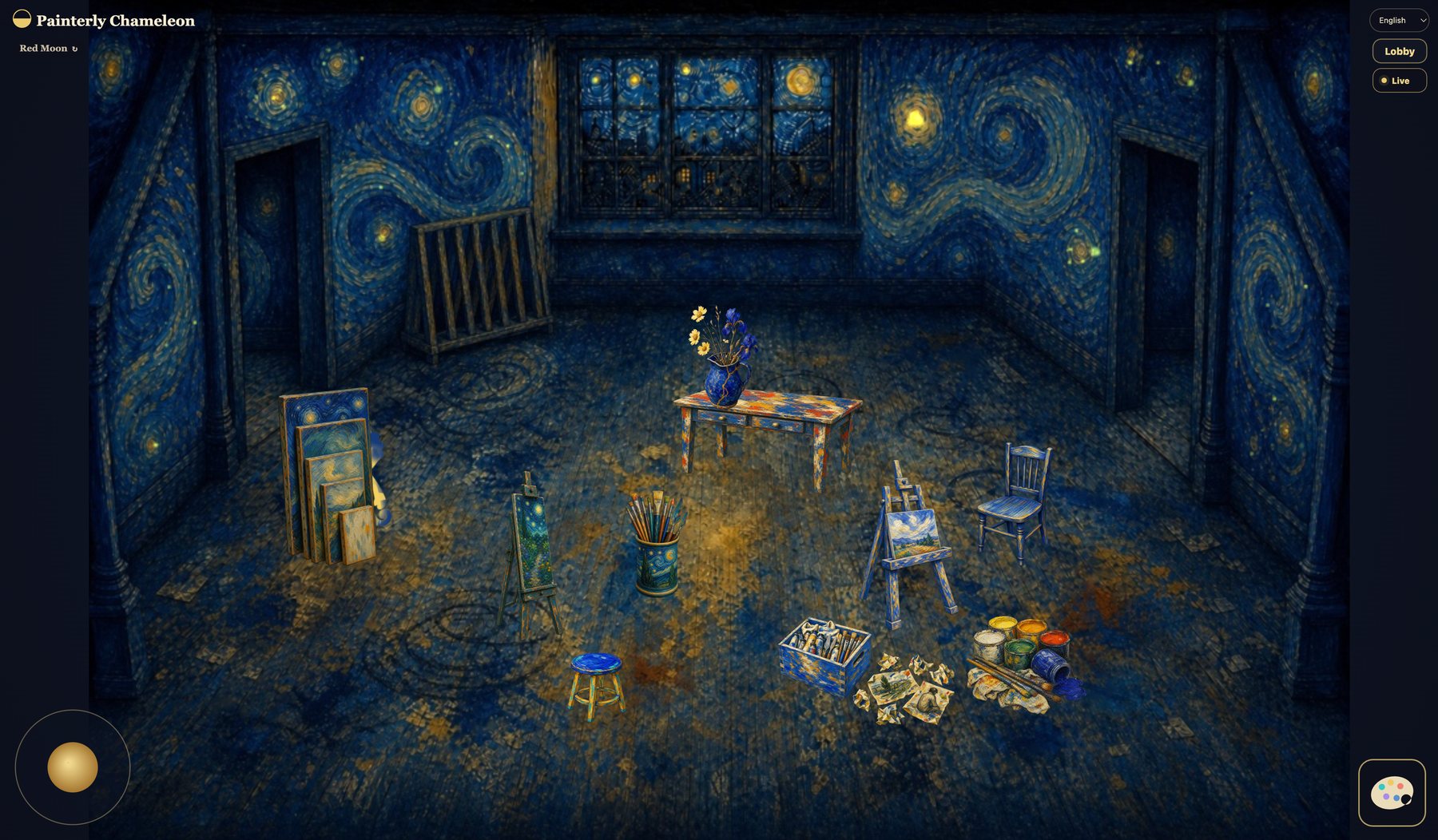
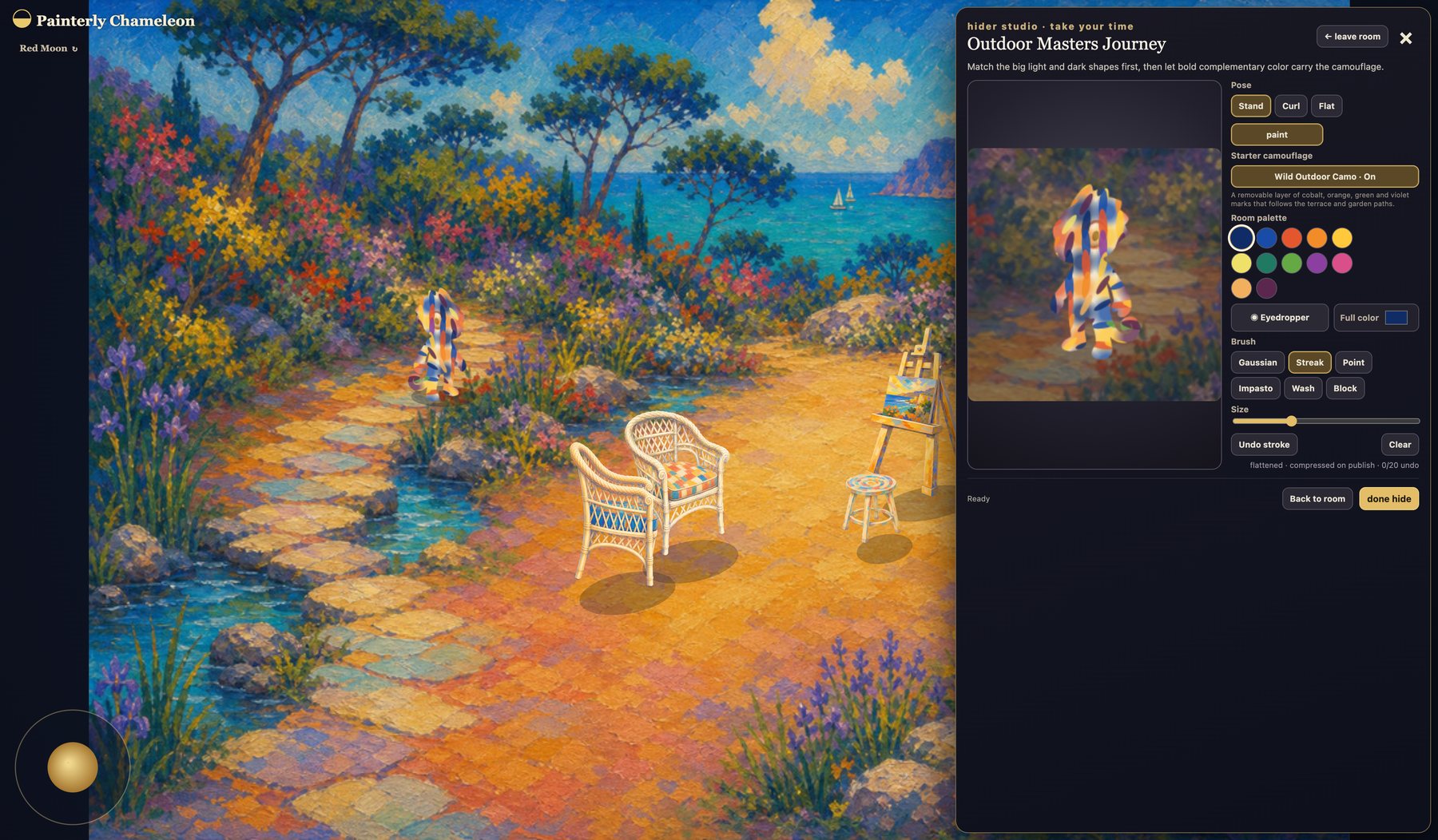
Painterly Chameleon, Machine Brush, Van Gogh studies, and 3D creative experiments now live together as demonstrations of the same studio idea.