
Discovery before instruction
Kids begin by noticing: color, edges, contrast, texture, and the places an object might belong. The game invites questions and careful observation instead of delivering a lesson first.
A Lucas Academy creative game
Paint it. Hide it. Look again.
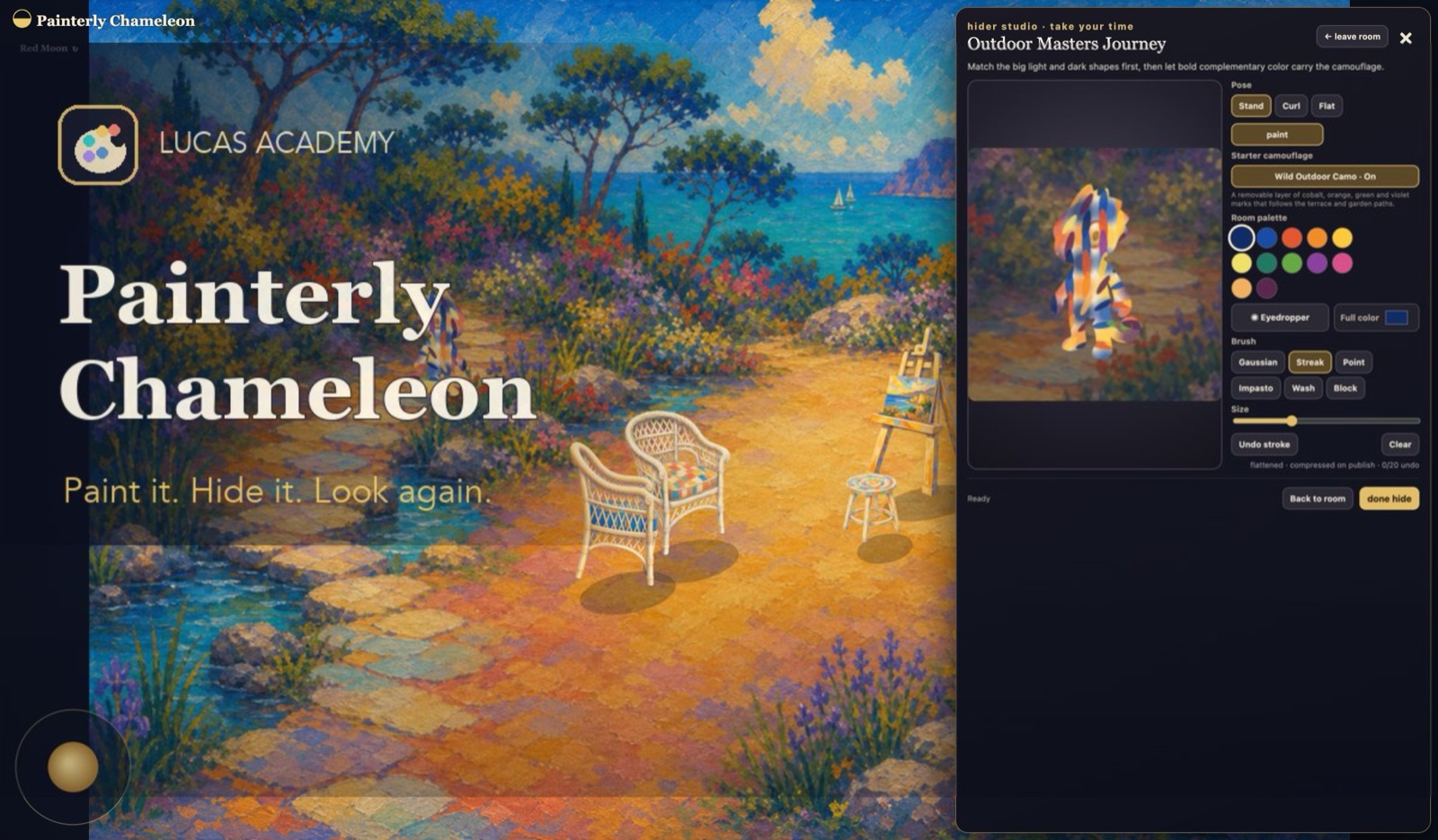
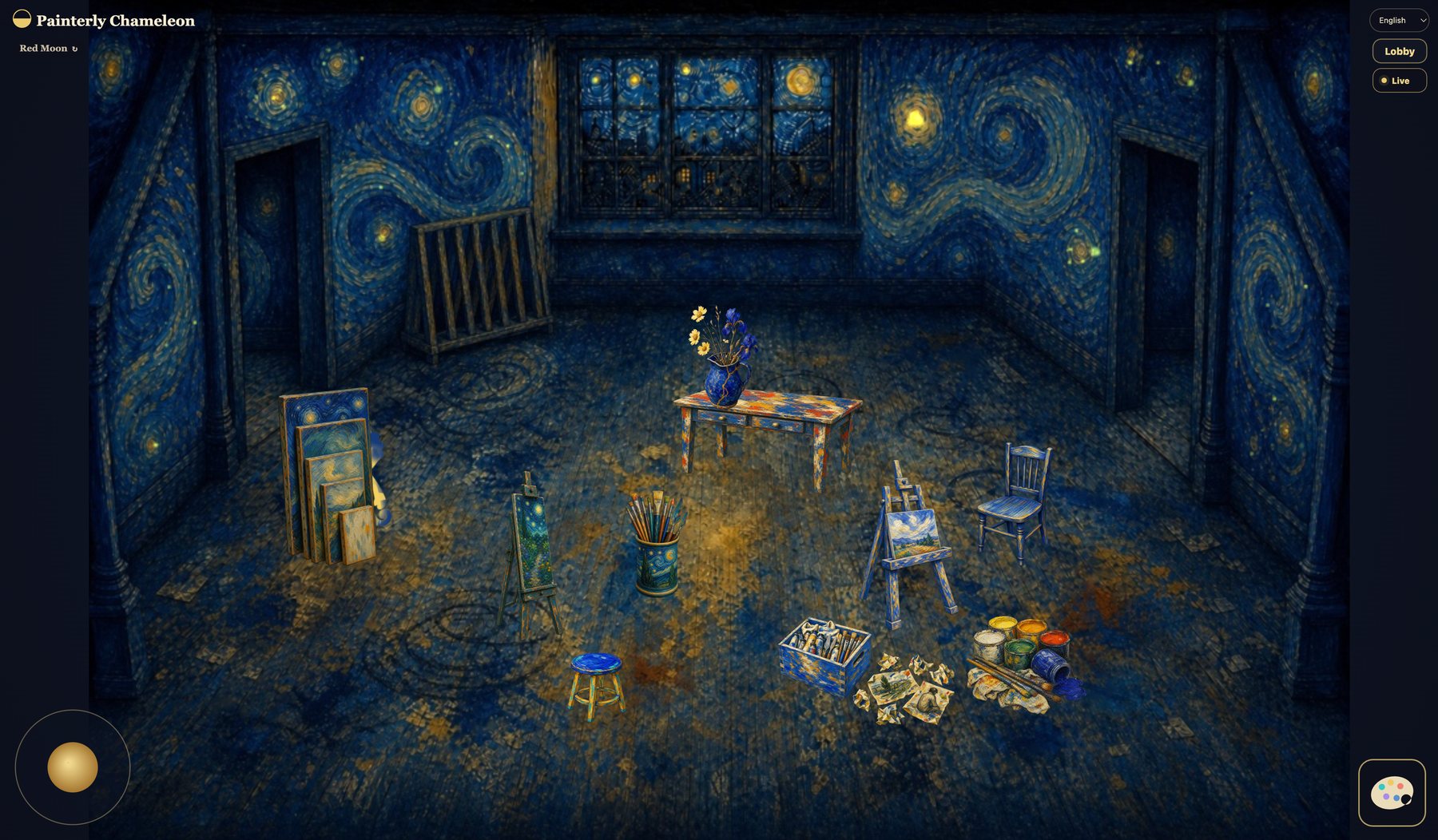
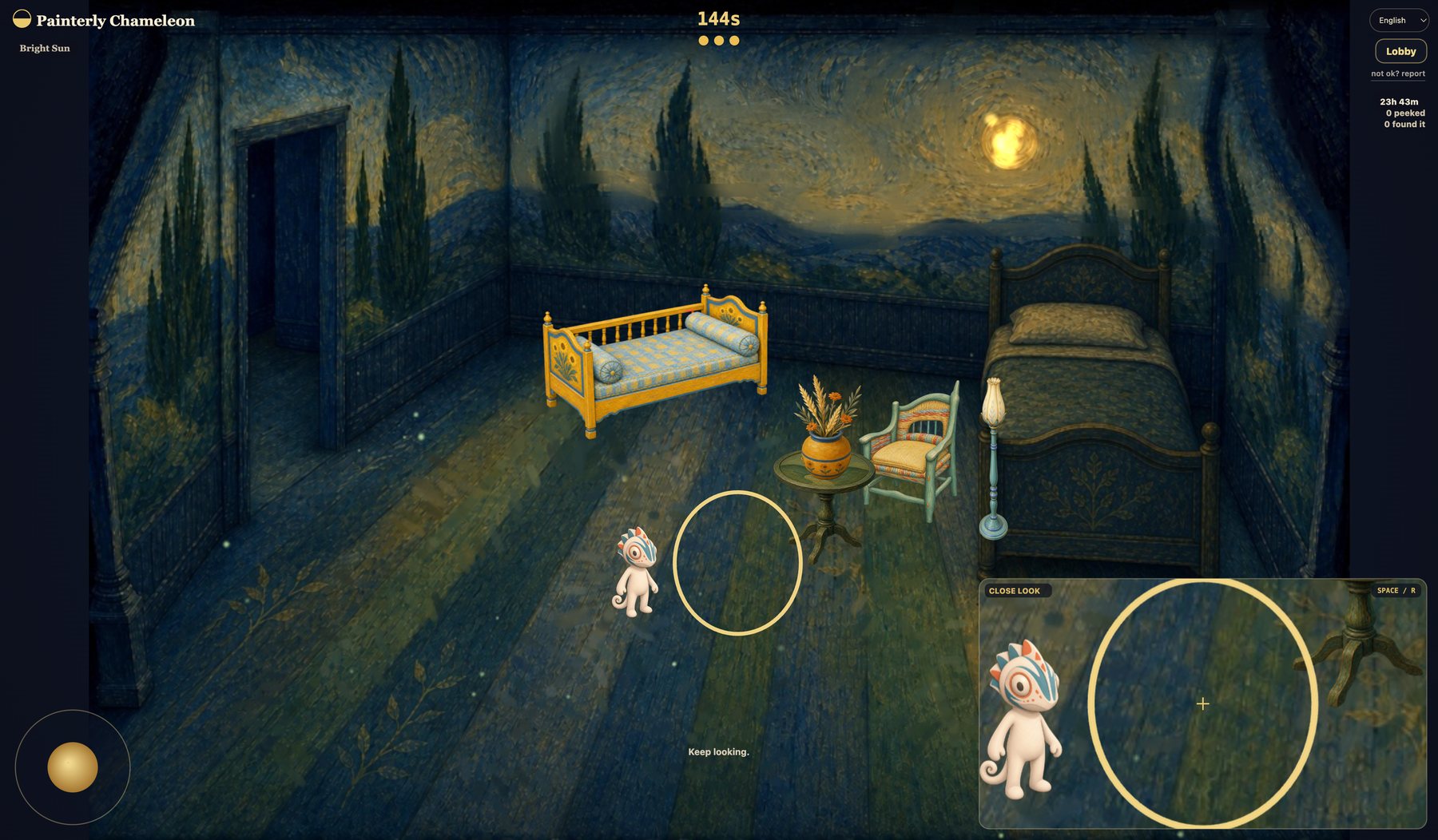
Painterly Chameleon is a browser game where kids paint a chameleon, hide it inside a beautiful art room, and invite someone else to find it. It turns looking closely into a game.
Kids begin by noticing: color, edges, contrast, texture, and the places an object might belong. The game invites questions and careful observation instead of delivering a lesson first.
Painting and hiding make a simple puzzle personal. A child can make something, test whether it works, and share a challenge with family or friends.
It is designed for playful conversation: What makes a good hiding place? Why does one color disappear while another stands out? What did you notice after looking again?
Ad-free by design
I want Painterly Chameleon to stay a free, ad-free game. Seeking a friend’s chameleon is always free, and the first rooms are free to create in. A one-time $2.99 Stripe purchase unlocks all current and future rooms for hiding.
Building and operating the game still costs money. Purchases support development, hosting, safety, and art. This is a game purchase—not a donation—and it is not tax-deductible.
Build with us
Painterly Chameleon can be more than a game to play. Making a room or a brush brings together art, mathematics, programming, and the hard work of explaining a visual idea to AI.
The tools below are the same tools used to build the game. A kid can place furniture, draw the walkable space, shape a doorway, tune the numbers behind a brush, and see the result immediately. Even simply painting a hiding challenge and sharing it with a friend can become a rich lesson in color, observation, and design.
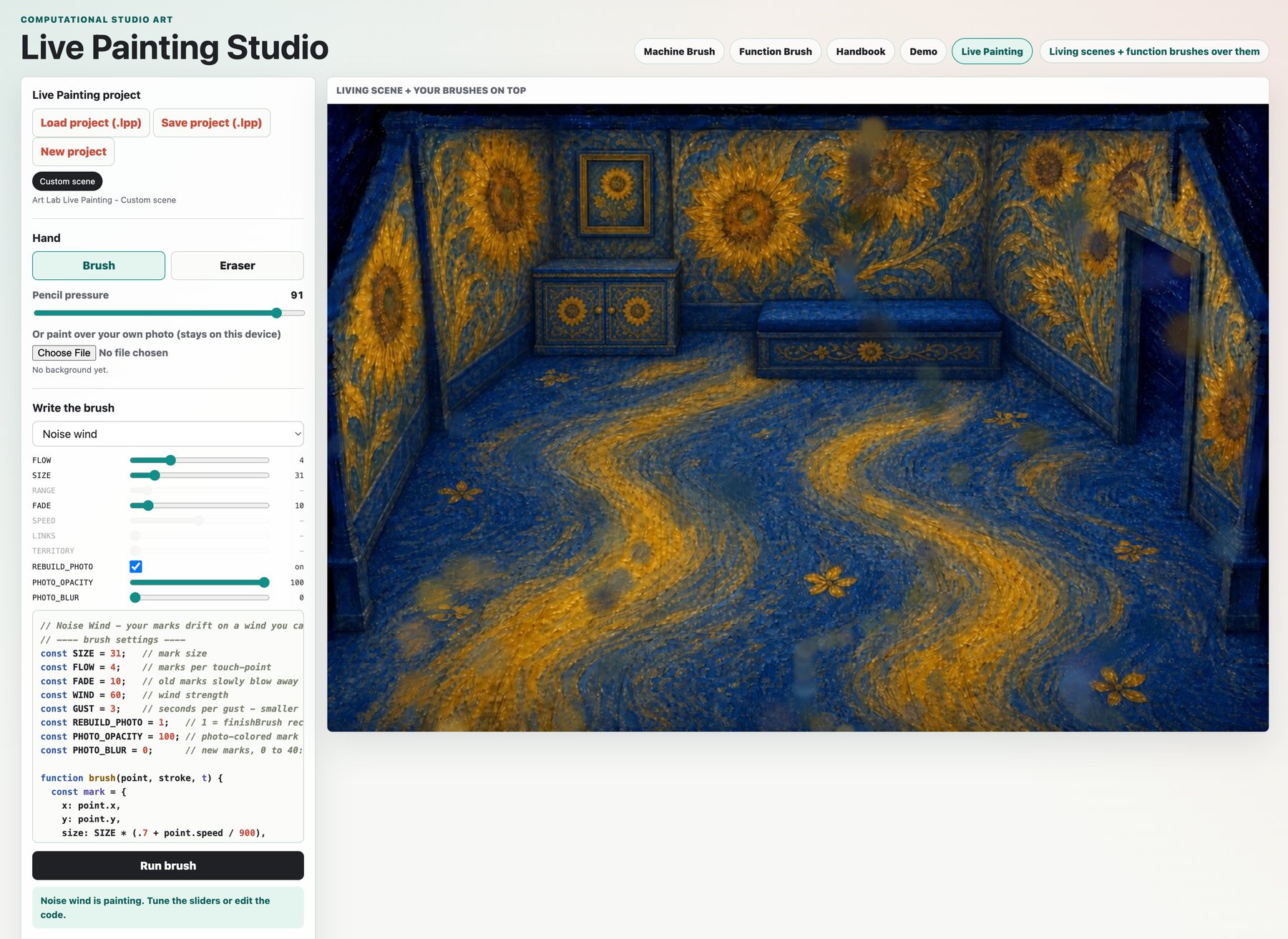
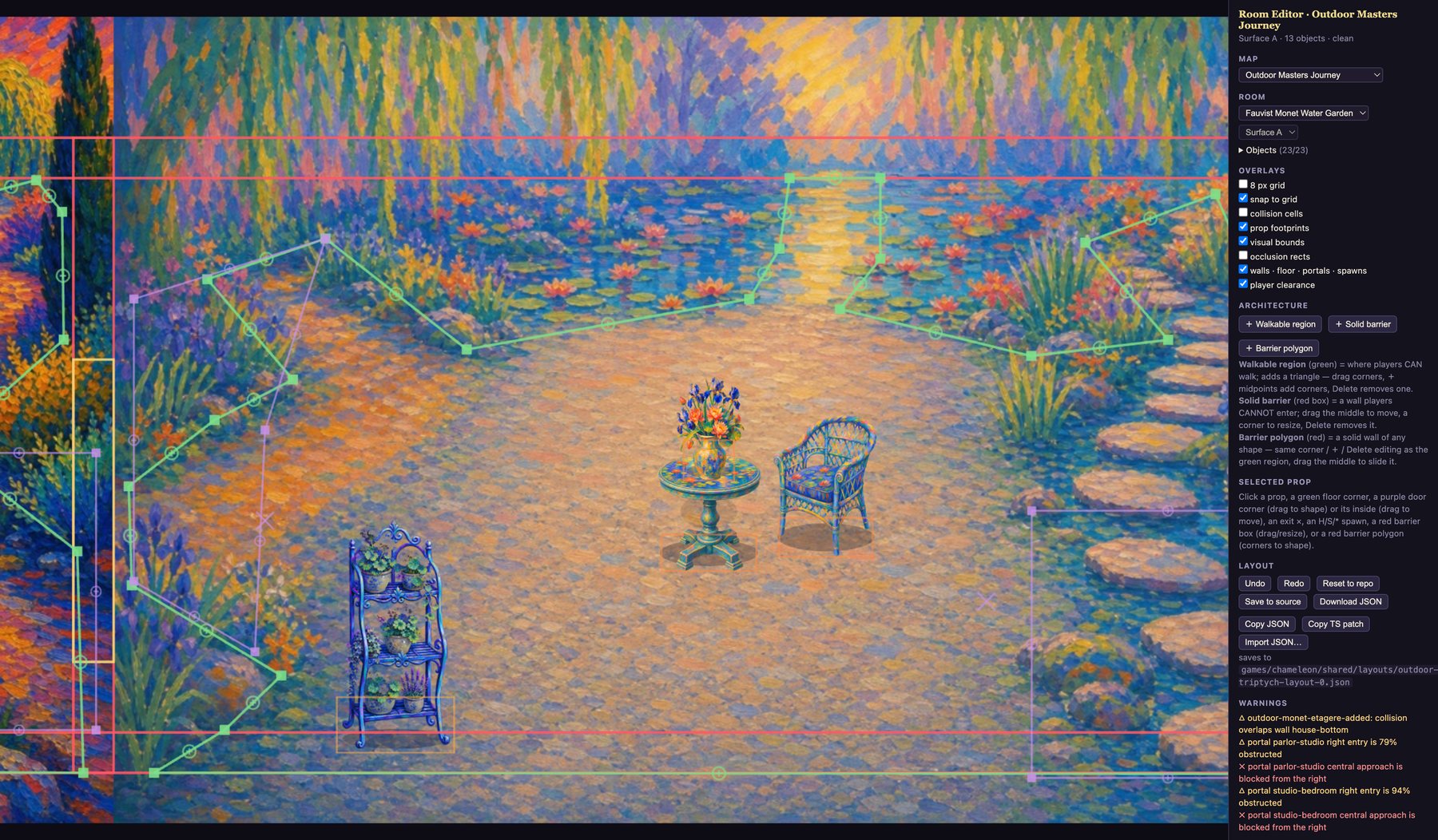
AI makes this possible, but not automatic. It is surprisingly good with language and still quite bad at turning a visual idea into the exact brush I mean. A person still has to describe the motion, tune the math, test the result, and often paint by hand anyway. That struggle is part of what makes the project worth learning from.
If you would like to contribute a room, a brush, a lesson, or simply a game to share, write to pc@lucasacademy.org.
Thank you to Lucas and Matthew. Their conversation about making a game both fun and educational—and especially their “Meccha Chameleon” idea—inspired this project. They became its first donors. I hope you enjoy it too.